FleetTrack – Laravel Logistics Tracking and Management System

KIcDCSeMO9kUqMP_1787875750.png


FleetTrack – Laravel Logistics Tracking and Management System

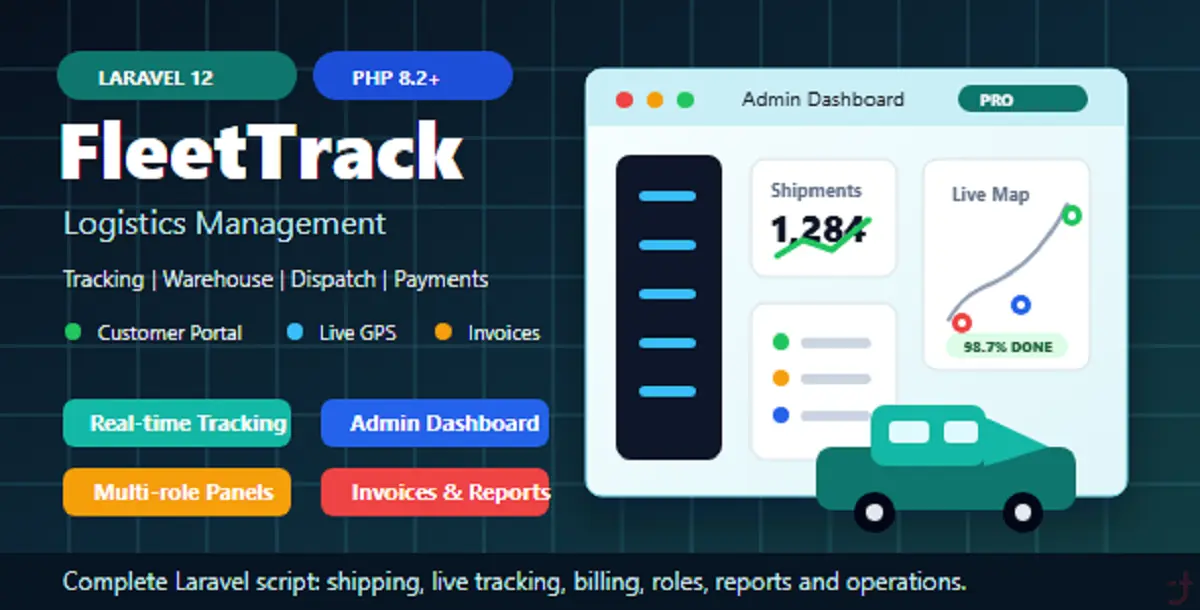
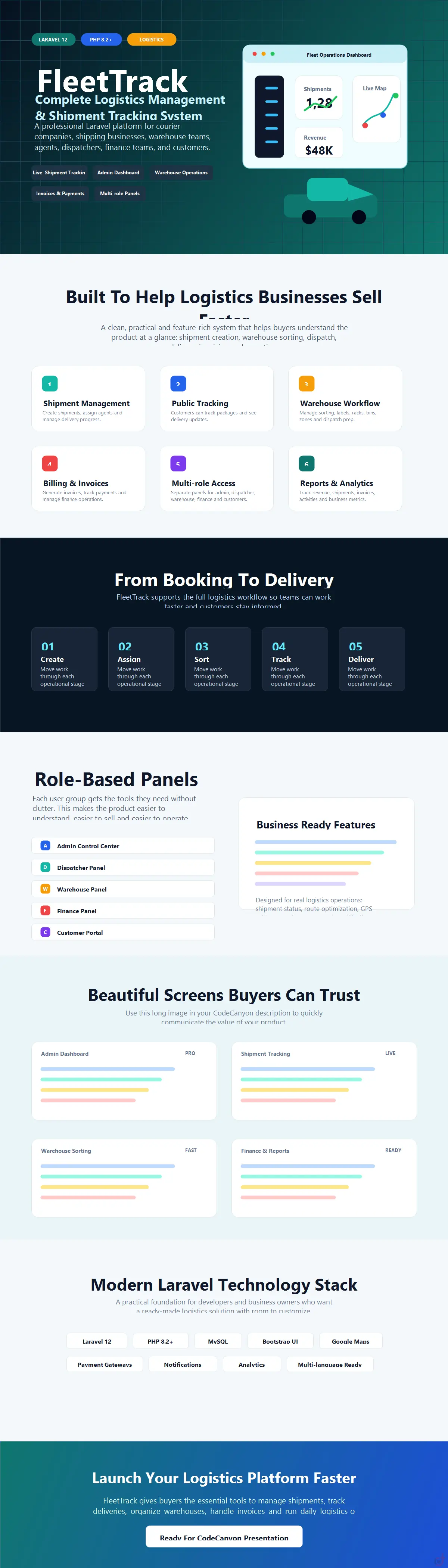
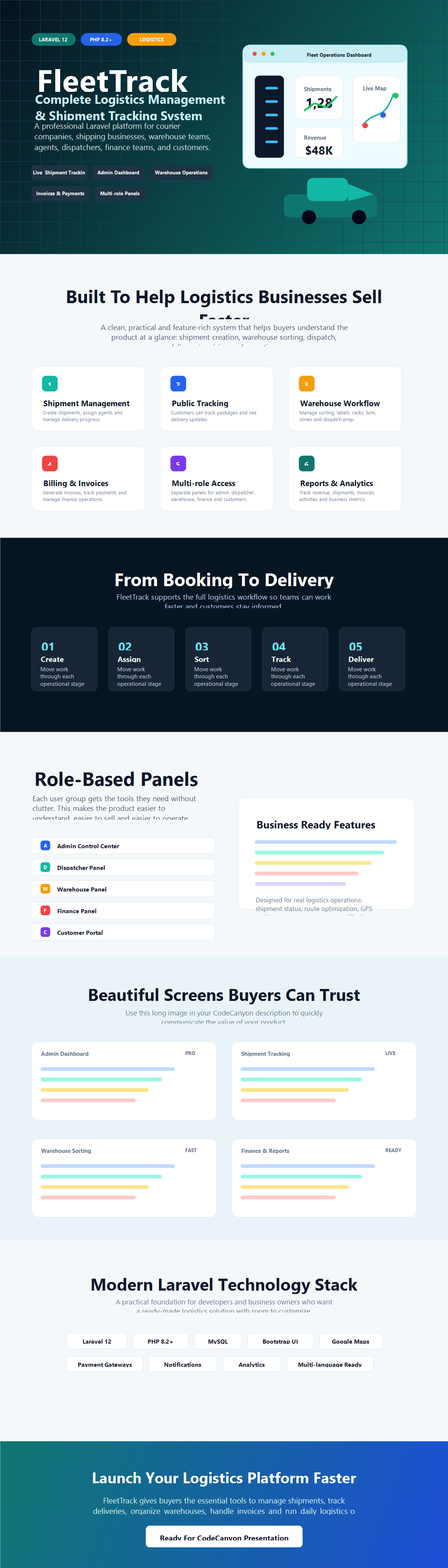
FleetTrack is a complete logistics and shipment tracking platform built with Laravel 12 and PHP 8.x. It helps businesses manage shipments, monitor delivery workflows, and run logistics operations from a centralized dashboard.

Demo Access / Login Details

Admin Panel URL:
https://zedoski.name.ng/logistic/admin

Admin Login:
Username: admin
Password: Vincentdepaul1234

Customer Login URL:
https://zedoski.name.ng/logistic/login
Customers can register from the frontend or be created from the admin panel.

Agent Panel URL:
https://zedoski.name.ng/logistic/login

Agent Login:
Agent Code: AGT-2025-EGF31N
Password: Vincentdepaul@1234

Staff Panel URL:
https://zedoski.name.ng/logistic/login

Finance Staff Login:
Email: [email protected]
Password: Vincentdepaul@1234

Dispatcher Staff Login:
Email: [email protected]
Password: Vincentdepaul@1234

Warehouse Staff Login:
Email: [email protected]
Password: Vincentdepaul@1234

Manager Staff Login:
Email: [email protected]
Password: Vincentdepaul@1234

Developer Portal URL:
https://zedoski.name.ng/logistic/developers/login

Developer access is managed through the admin workflow.

Public Shipment Tracking:
https://zedoski.name.ng/logistic/track

Important Note:
In a production environment, change all demo credentials immediately after purchasing and completing the first login.

Main Features

  • Shipment and logistics tracking workflows
  • Real-time shipment tracking with live status updates
  • Fleet management, including driver assignment and route optimization
  • Warehouse and inventory management for organized operations
  • Finance and revenue analytics with detailed reporting
  • Admin dashboard, analytics, and reporting
  • Role-based access for Admin, Dispatcher, Agent, Finance, Warehouse, and other staff
  • Role-based dashboards for different departments
  • Queue-ready architecture for background jobs
  • Email configuration support, including SMTP and third-party providers
  • Optional social login integrations such as Google, GitHub, and Facebook
  • Optional translation integrations such as LibreTranslate and DeepL
  • Optional storage integrations, including local storage, S3-compatible storage, FTP/SFTP, and DigitalOcean Spaces
  • Responsive design accessible on all devices
  • Secure and scalable Laravel-based architecture
  • Modular Laravel architecture for easy extension

Technical Details

  • Framework: Laravel 12
  • PHP Version: 8.2+
  • Database: MySQL 8+
  • Frontend Tooling: Vite, Bootstrap 5, Tailwind CSS

Installation Requirements

Before installing FleetTrack, make sure your server meets the following requirements:

  • PHP Version: 8.2 or higher
  • Laravel Framework: Laravel 8.x or higher recommended
  • Database: MySQL 5.x or higher
  • Web Server: Apache or Nginx
  • Composer: Must be installed

Required PHP Extensions

The following PHP extensions are required:

  • PDO
  • OpenSSL
  • Mbstring
  • Fileinfo
  • Tokenizer
  • XML
  • GMP
  • CURL
  • GD
  • Zip
  • JSON

Folder Permissions

The following directories must be writable:

  • config/
  • storage/

Note: FleetTrack performs automatic checks during installation to ensure that all required server requirements are available before running the application.

Installation Process

  1. Upload the .zip project files to your server.
  2. Extract the project files on your server.

Open your browser and navigate to:

https://your-project-url/install

  1. The Installation Wizard will guide you through the setup process.
  2. Enter your database credentials and other required settings in the installation wizard.
  3. Create your Admin account: During installation, you will be prompted to create a new Admin username and password. This ensures that your system is secure and personalized.
  4. Access the dashboards for each role, including Dispatcher, Agent, Finance, and Warehouse.
  5. Optionally customize your settings, reports, routes, and other system configurations after installation.

Installation Wizard

The installation wizard automatically checks the server requirements and guides you through the configuration process.

It allows you to configure:

  • Database credentials
  • Application settings
  • Admin account
  • Required system configurations

This makes the installation process simple, secure, and suitable for production environments.

Demo Preview

You can preview the FleetTrack system and see the dashboards in action here:

https://webagency.zedoski.name.ng/logistics

Important: The demo credentials provided above should only be used for demonstration purposes. For a live production installation, create new administrator and staff accounts and change all default passwords immediately.

Documentation

Detailed setup and installation instructions are included in the documentation file provided with the project.

License Option
Free Free
$17.82 $73.92
Quality checked by DotArtisan
Full Documentation
Future updates
Author Support
Featured Item
Featured Item

This item was featured on DotArtisan

vincenttech's items

Similar items

We use cookies to personalize your experience. By continuing to visit this website you agree to our use of cookies

More